Pixel Effect Photo Editor 20175.0
Publisher Description
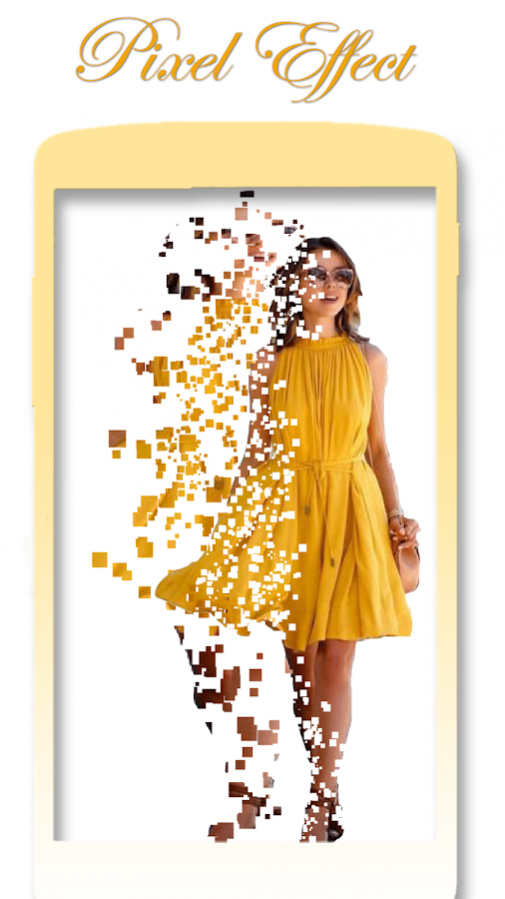
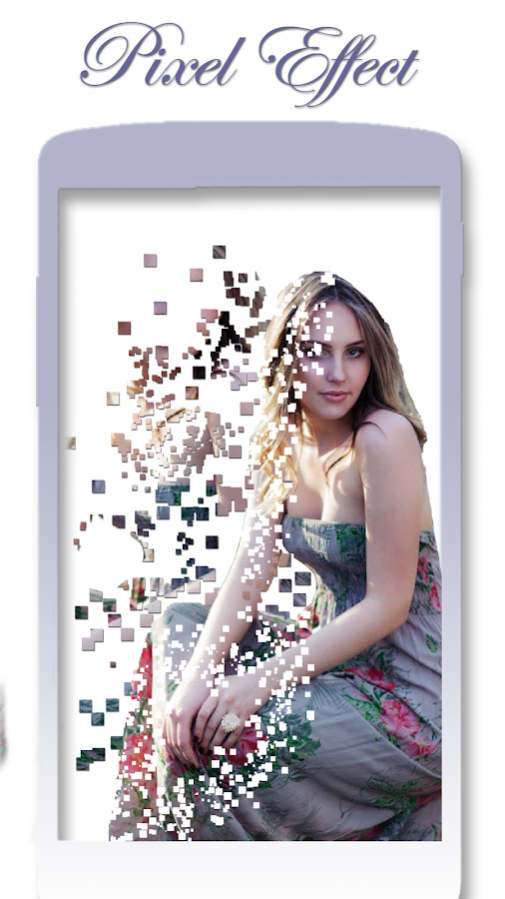

Pixel Effect Photo Editor is to focus on objects to make them the center of attraction! Pixel Photo Effects allows you to create amazing professional photos against a beautifully pixelated background.
Pixel effect photo editor is to effects quickly transforms your favorite picture into a fashionable eye catcher! Turn your photos into beautiful wallpapers for your home screen.
Pixel effect photo editor is convert your any photo into a Pixel photo using our app effect. It Applies some magic effects on your photos to make it more beautiful and realistic.
Pixel Picture Editor Apply Lens effects to existing photos. Funny Picture Editor available different special lens effects, you can easily add lens effect on your photos.
How to apply Pixel effect photo editor in this app:-
1. Pixel effect photo editor is to choose photo from camera as well as gallery.
2. Cropping facility available for Pixel effect photo editor for user choice.
3. Pixel effect photo editor is having more than 15+ pixel effect by user choice to select any of them one.
4. Color set in background as photo choose by user and fit into Pixel effect photo editor.
5. Cut option also available for cut some portion of Pixel effect photo editor photos.
6. Add stickers in Pixel effect photo editor by user choice.
7. Saved image in Pixel effect photo editor.
Pixel effect photo editor is to effects quickly transforms your favorite picture into a fashionable eye catcher! Turn your photos into beautiful wallpapers for your home screen.
Use simple, yet powerful, photo editing tools to apply particle dispersion/pixel effect.
Thank you downloading this Pixel Effect Photo Editor app.
Give us best rating and review if you like this app and share to your friends.
About Pixel Effect Photo Editor 2017
The company that develops Pixel Effect Photo Editor 2017 is Funny Mouse & Snake. The latest version released by its developer is 5.0.
To install Pixel Effect Photo Editor 2017 on your Android device, just click the green Continue To App button above to start the installation process. The app is listed on our website since 2017-10-09 and was downloaded 20 times. We have already checked if the download link is safe, however for your own protection we recommend that you scan the downloaded app with your antivirus. Your antivirus may detect the Pixel Effect Photo Editor 2017 as malware as malware if the download link to mouse.pixel.photomixer is broken.
How to install Pixel Effect Photo Editor 2017 on your Android device:
- Click on the Continue To App button on our website. This will redirect you to Google Play.
- Once the Pixel Effect Photo Editor 2017 is shown in the Google Play listing of your Android device, you can start its download and installation. Tap on the Install button located below the search bar and to the right of the app icon.
- A pop-up window with the permissions required by Pixel Effect Photo Editor 2017 will be shown. Click on Accept to continue the process.
- Pixel Effect Photo Editor 2017 will be downloaded onto your device, displaying a progress. Once the download completes, the installation will start and you'll get a notification after the installation is finished.
Program Details
System requirements
Download information
Pricing
Version History
version 5.0
posted on 2017-10-09
version 2.0
posted on 2017-01-19
-performance improved
